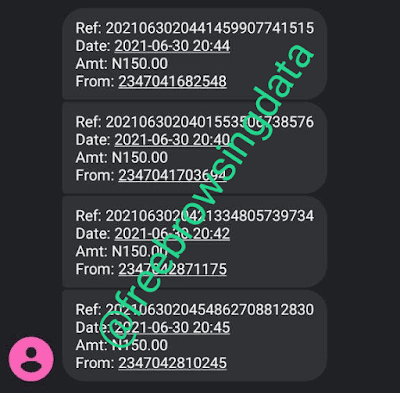

I believe this need no introduction as we are all familiar with the recently blocked E-learning stuff. You can now fully enjoy the E-learning data back now using the file which will be provided below this post.
So we have decided to share you another way to activate MTN 500mb daily on your MTN sim. The vpn we will be looking at here is known has Http Custom Vpn. Since there is no more unlimited browsing for now on our four popularly known network providers, this free 500mb will come in handy as you can even use more than 500mb daily depending on how many sims you have…
REQUIREMENTS
- Android Device
- MTN 0.0kb data ( Sim without data)
- HTTP Custom Vpn | Download Here
- HTTP Custom MTN 500mb daily Configuration File | Download file below
NOTE: The Configuration File you are about to download below will expire on 10th of octomber, 2021 . Join our Telegram Channel to get another file before it expires.
 NOTICE
How To Activate MTN 500mb Daily
- Change your network to the MTN NG 0.0kb sim (mtn sim without data)
- Visit Screenclass.com and register account, navigate through the website until you receive a pop up message saying you have been given free 500mb.

- After receiving the below, then follow the step below

- After you have downloaded the vpn and the configuration file,
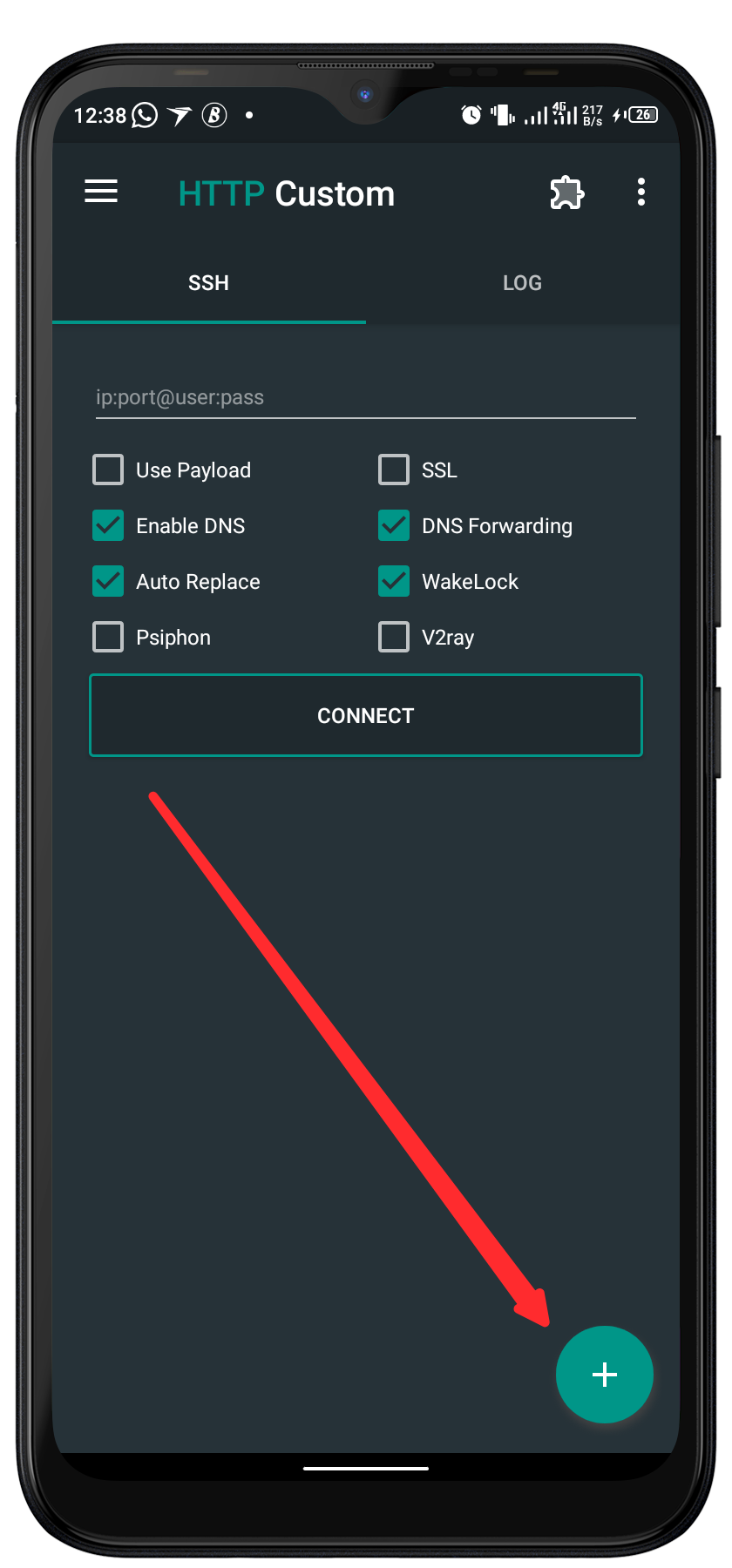
- Open HTTP Custom Vpn
- Tap on the PLUS ICON at the bottom right corner of the vpn

- Tap on OPEN CONFIG
- Go to your download folder then import the file
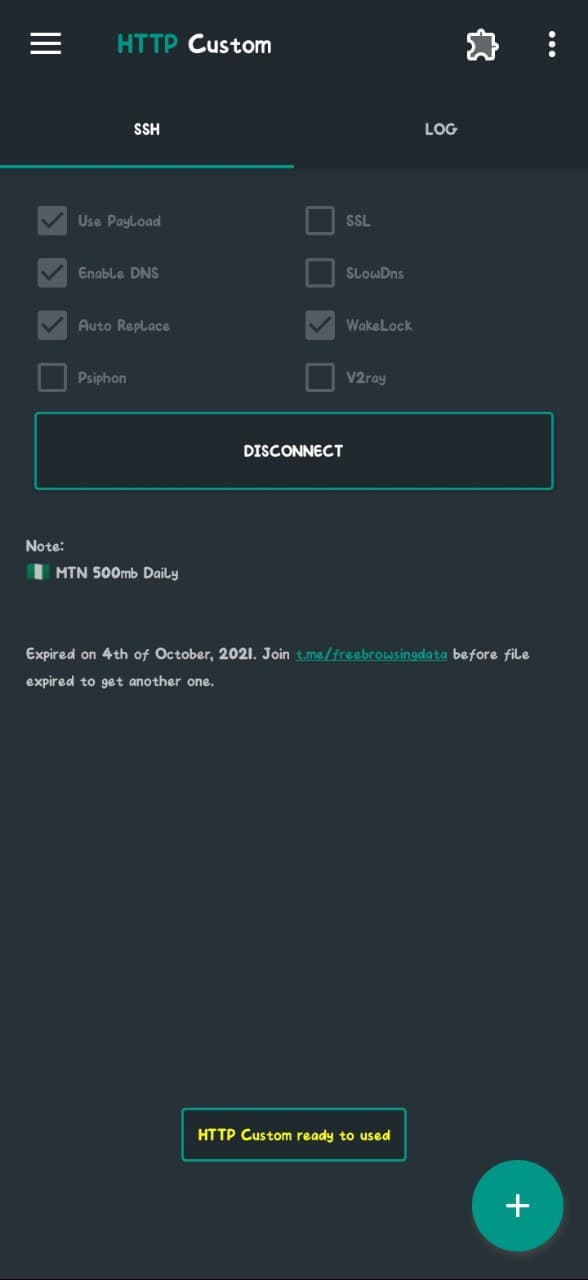
- After successfully importing, tap on CONNECT

Connected - Wait for few seconds for it to connect then minimize the vpn and enjoy…

How To Share HTTP Custom Vpn Connection With Hotspot
Want to stay updated? Tap the below buttons to join our members now.


Do you have any issues with this post? Use the comment box below to report any issues related to this post, including broken links, and you will be replied as soon as possible. You can also contact us on telegram.