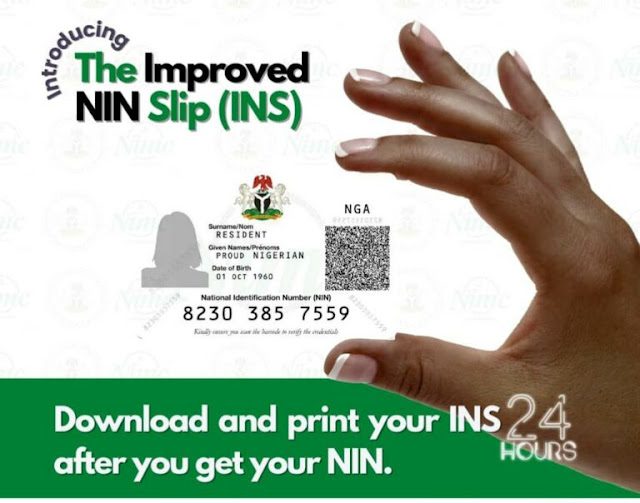
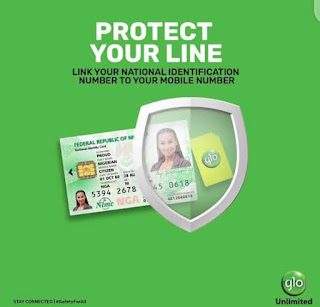
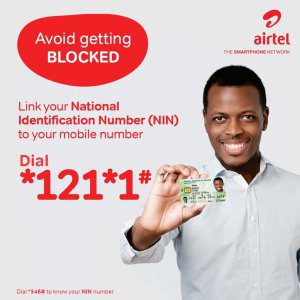
The Nigerian Communications Commission (NCC) has ordered all telecommunication operators in the country to block all SIM cards that are not registered with the National Identity Numbers (NIN), within two weeks, starting from December 16, 2020, to December 30, 2020.


The following decisions were taken for immediate implementation by all Network Operators:
- Affirmation of the earlier directive to totally suspend the registration of NEW SIMs by all operators.
- Operators will require ALL the subscribers to provide valid National Identification Number (NIN) to update SIM registration records.
- The submission of NIN by subscribers must take place within two weeks (from today December 16, 2020, and end by 30 December 2020).
- After the deadline, ALL SIMs without NINs will be blocked from the networks.
- A Ministerial Task Force comprising of the Minister and all the CEOs for the telecoms sector (among others) as members is to monitor compliance by all networks.
- Those who disobey this directive will face a hard punishment, including the possibility of withdrawal of operating license.
How To Check Nearest Nin Enrollment Center That Is In Your Area
- Now open a browser and visit
- https://www3.nimc.gov.ng/nimc-enrolment-centres
- Then you will be provided with the list of the Nimc or Nin enrollment centers that are available in your area.
- In some cases, you might not know that your network or sim has been registered with your nin already so we grab and we will state the process to follow on how to get that done so that you won’t stress yourself for any application of Nin or sim registration process again.
How to check Sim Status with code to know if your NIN is connected to your Sim Card
- Dial *346# to retrieve your National Identification Number (NIN). Available on all Network.
- Now see Steps beneath-
If your NIN is captured on your SIM Registration, your 11 NIN number will pop-up after dialing the code above. If your NIN is not captured on your SIM Registration, you will not be able to retrieve your NIN by dialing the code. And you will need to get your NIN connected to your SIM Card to avoid deactivation.
How to connect Nin To Mtn, Airtel, 9mobile and Glo users
- After the deadline, ALL SIMs without NINs are to be blocked from the networks.
- The submission of NIN by subscribers to take place within two weeks (from Wednesday, December 16, 2020, and end by 30 December 2020)
- Operators to require ALL their subscribers to provide valid National Identification Number (NIN) to update SIM registration records.
- Violations of this directive will be met by stiff sanctions, including the possibility of withdrawal of operating license.
Telecos are given Dec 30 as deadline to block all sim not registered with NIN And also no sim registration for now.
Do you have any issue setting this up? Use the comment box below to report any issue regarding to this post or any issue regarding to broken link on this post and you will be replied as soon as possible. You can also contact us on telegram.