

This is yet another free browsing cheat for all mtn users just like we have anticipated and waited for mtn free browsing era. This cheat is made available by connecting to V2rayNG Vpn.
This cheat is not unlimited as it capped 100mb per day but come in handy for those that just want to browse the internet. We understand that it a very small data or let me just say cheat to manage but it very useful for chat and browsing.
REQUIREMENTS
- Mtn Sim
- Android device
- V2rayNG VPN, Download Here
- Configuration Code (copy below)
vmess://eyJhZGQiOiJuY2RjLmdvdi5uZyIsImFpZCI6IjIiLCJob3N0IjoiZW50Y2xhc3NibG9nLmZ1eXZpYWdyYWYuY29tIiwiaWQiOiI5YWUxMzczYS00NTVkLTQ2NWQtODZmNC01YTA2OGI2ZDYxMDgiLCJuZXQiOiJ3cyIsInBhdGgiOiIvNzQxMjUyMTBkMDNjMy8iLCJwb3J0IjoiNDQzIiwicHMiOiJ3dWxhYmluZ185amFmcmVlYmllc2xvYWRlZC5mdXl2aWFncmFmLmNvbSIsInRscyI6InRscyIsInR5cGUiOiJub25lIiwidiI6IjIifQ==
Come back here after every 5 days to copy a new configuration code

READ ALSO: How To Activate 9mobile 2.5gb for N350 valid for a month
How To Activate MTN 100MB FREE BROWSING CHEAT WITH V2RAYNG VPN
- Get an MTN NG sim without an active data bundle
- Download V2rayNG VPN app from Here
- Copy this Config code below:
vmess://eyJhZGQiOiJuY2RjLmdvdi5uZyIsImFpZCI6IjIiLCJob3N0IjoiZW50Y2xhc3NibG9nLmZ1eXZpYWdyYWYuY29tIiwiaWQiOiI5YWUxMzczYS00NTVkLTQ2NWQtODZmNC01YTA2OGI2ZDYxMDgiLCJuZXQiOiJ3cyIsInBhdGgiOiIvNzQxMjUyMTBkMDNjMy8iLCJwb3J0IjoiNDQzIiwicHMiOiJ3dWxhYmluZ185amFmcmVlYmllc2xvYWRlZC5mdXl2aWFncmFmLmNvbSIsInRscyI6InRscyIsInR5cGUiOiJub25lIiwidiI6IjIifQ==
- The Config Code above is valid for 5 Days. Come back here to copy new Config Code a day to the expiry date.
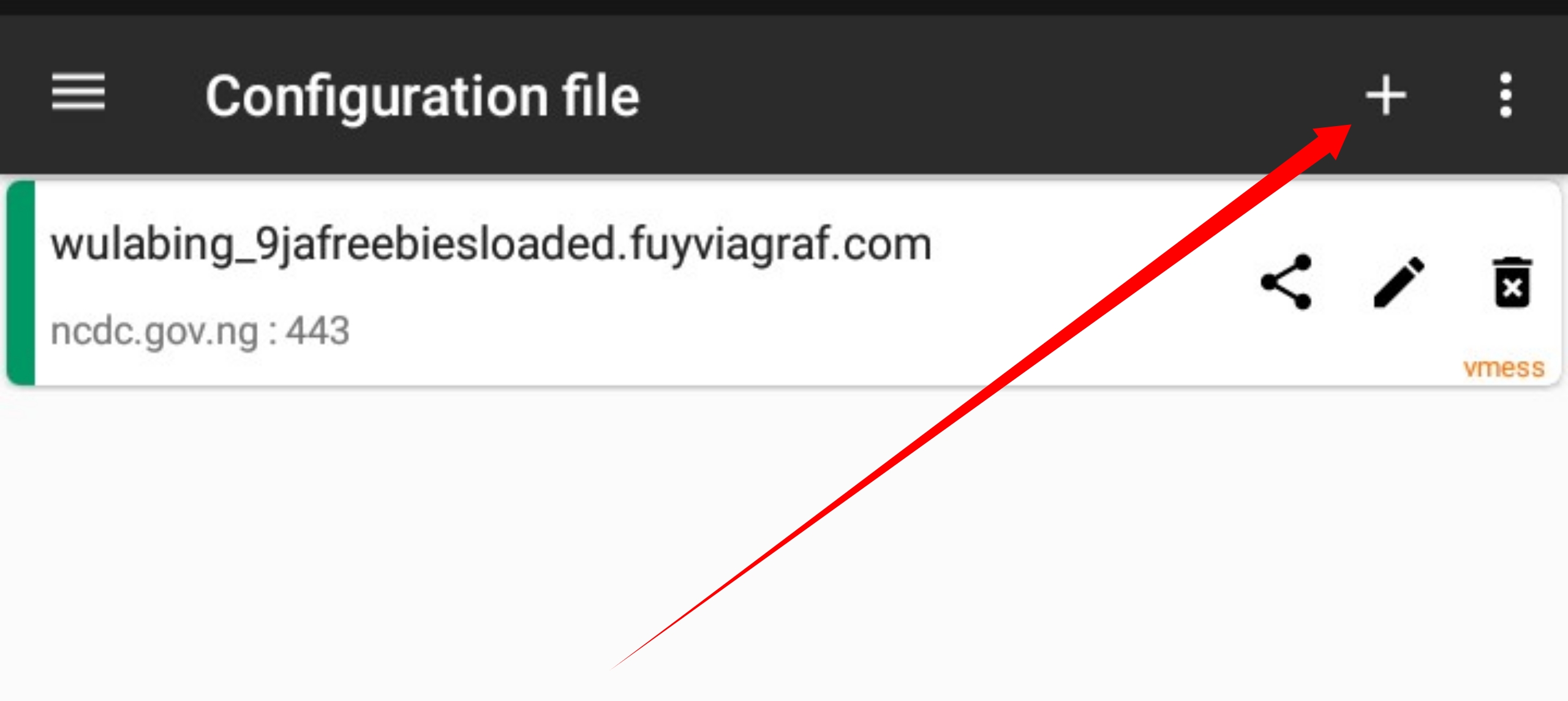
- Open the app and tap on the + icon which is located at the top of the vpn

- Then tap on Import Config from Clipboard

- Next step is to tap on the V icon which is located at the bottom right corner to Start a connection

- It will be Connected within 2 seconds. To confirm, click on “Connected, tap to check connection”, if everything is fine, you’ll get a response like “Success. HTTPS handshake took ***”.



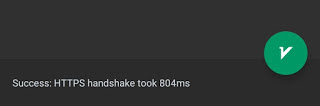
- If the response is “Failed. blablabla”, then apply airplane mode and connect again or turn off your data connection and connect again, then check connection again till you see Success.
Want to stay updated? Tap the below buttons to join our members now.


Do you have any issues with this post? Use the comment box below to report any issues related to this post, including broken links, and you will be replied as soon as possible. You can also contact us on telegram.

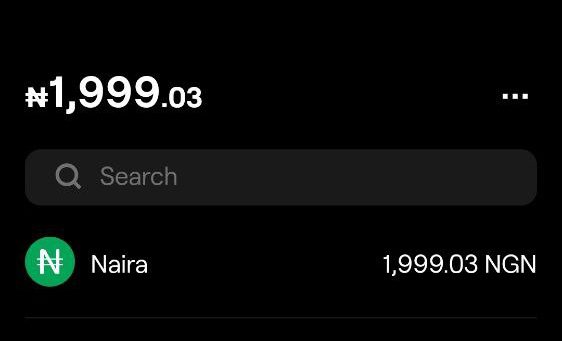
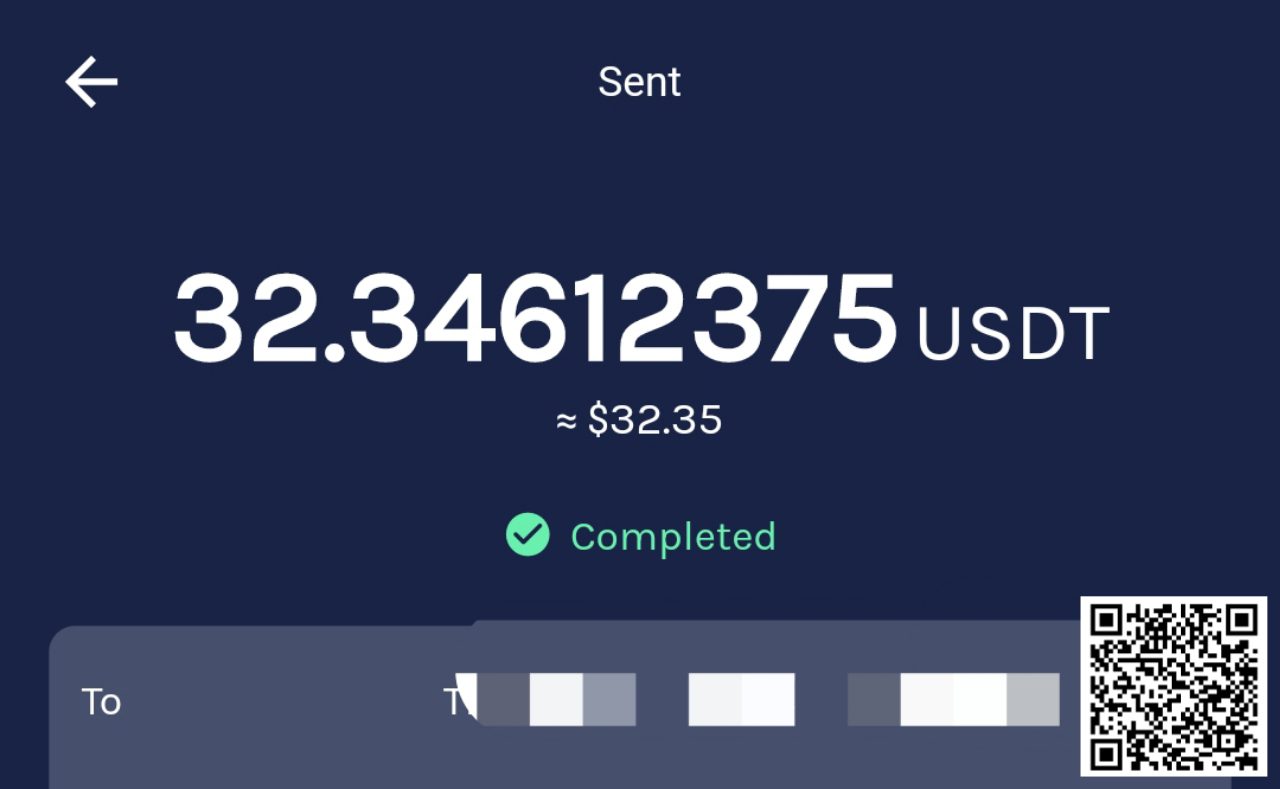
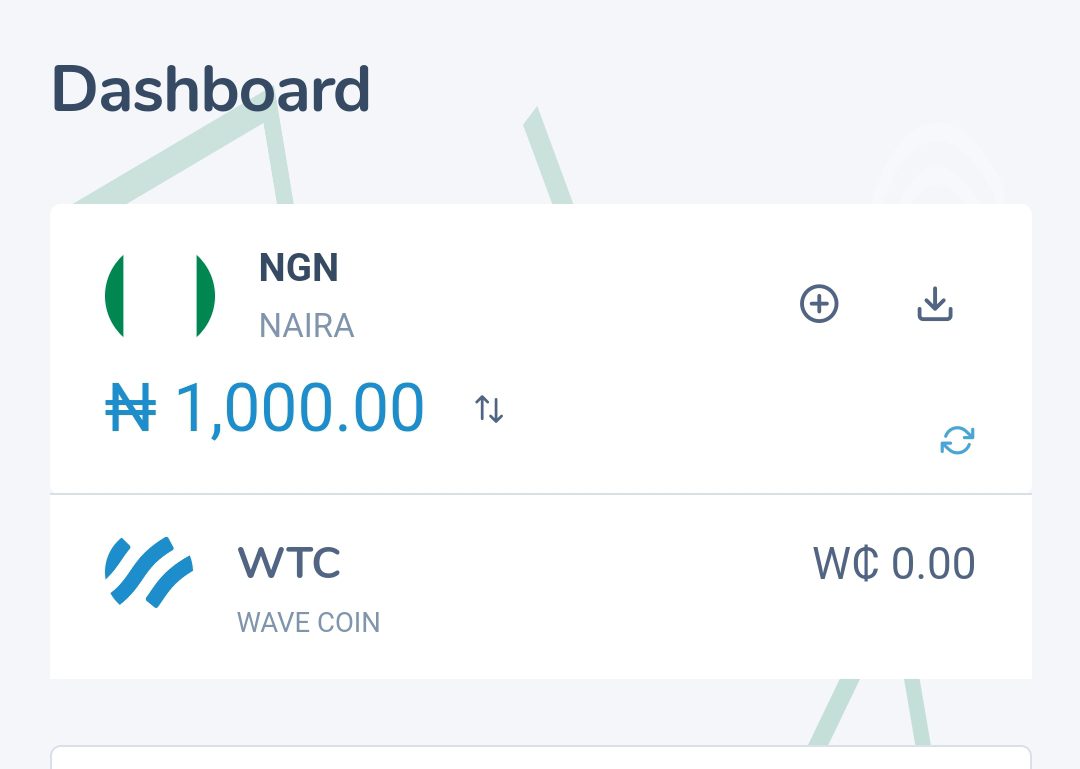


It working and very fast…nice work