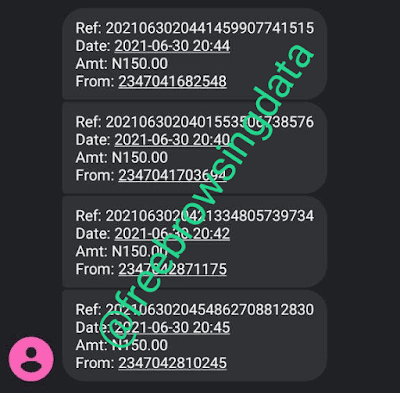


Most of you must have partake in Jiji,palmpay,ignite,letschat,etc free airtime trick we shared on our TELEGRAM CHANNEL. Today, I will be showing you another way to get unlimited airtime without stress…
Things To Note
- You Get N150 Airtime For Successful Registration
- It requires Gmail for successful registration
- You can create multiple Gmail account for self referral
- It takes about 12 hours for Airtime to be credited after registration
I believe you are ready to get this done right, let’s get into…
 NOTICE
How To Activate Unlimited Airtime On Any Network
I will be referring to this particular account you are about to create as Account A, Take note.

- Input your Email Twice then tap on REGISTER, after that tap on CONTINUE

- Open your Gmail account and tap on the link as shown in the screenshot below to confirm your account.

- Input your first and last name, password, country, gender, etc to confirm your mail as shown in the screenshot above
- Then tap on CREATE MY ACCOUNT
- Tap on END TOUR as shown below
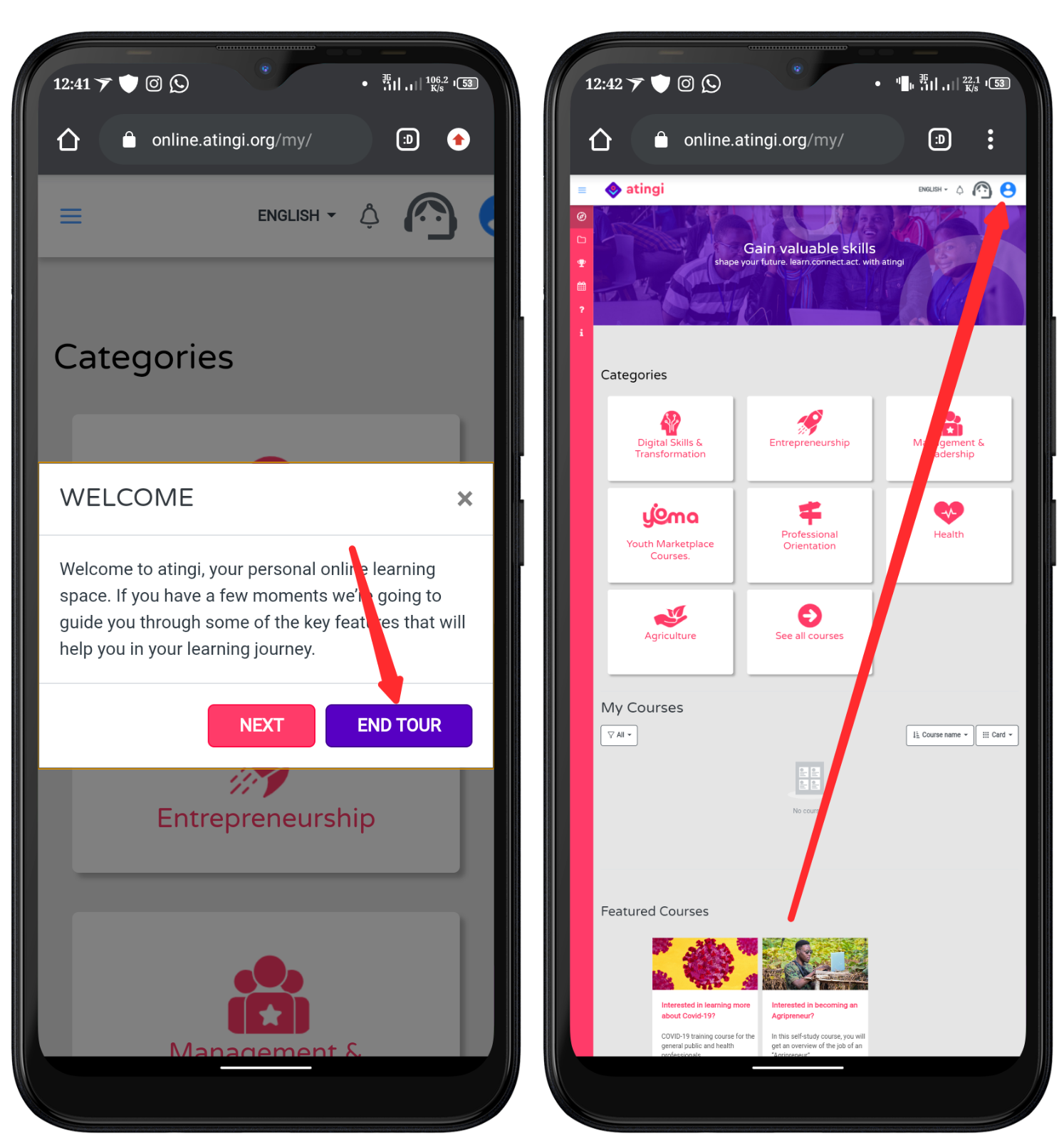
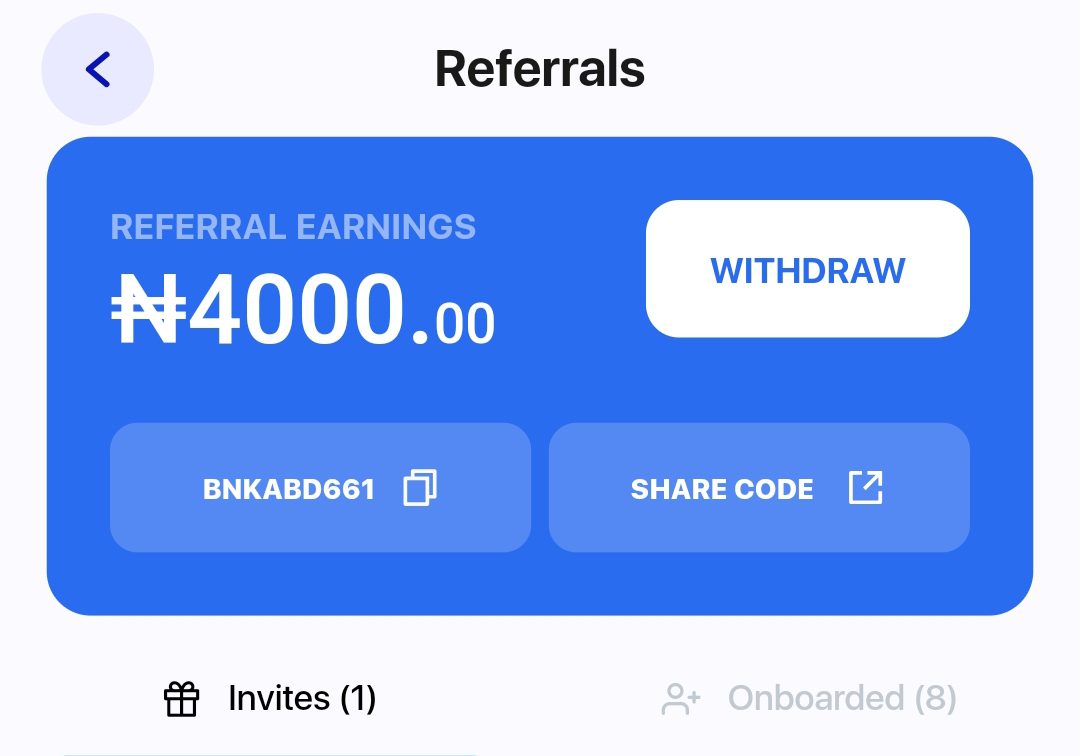
- After that, tap on the BLUE PROFILE ICON as shown above then screenshot it and tap the send button.
 |
| Your Screenshot Will Look Like This |
It will log you out, now come back here and tap on the Link Below
I will be referring to this particular account you are about to create below as Account B, Take note.
- Tap on CREATE ACCOUNT

- Input the previous mail you used to register on Account A then tap on SIGN UP
- It will prompt you to input a phone number (Any Network) without adding county code (+234)
- Input the number you want to Accumulated Airtime To go to then tap on CONTINUE

- After that, Tap CONFIRM as shown above
- Tap on NGN 150 AIRTIME

- Scroll Down and Tap on UPLOAD SCREENSHOT as shown above
- Confirm the mail you used to create Account A by inputting it under ( Who did you refer? )
- After inputting the mail, Tap on CHECK MAIL

- Tap on CHOOSE PHOTO and select the screenshot you take from Account A profile then tap SUBMIT SCREENSHOT.
How To Accumulate Without Limit
NOTE: You only need to create multiple account or refer people and tell them to screenshot their Account A profile once done and send To you
- Create another Gmail account and use it to register again on Account A
- Screenshot the Profile like you did in your previous Account A
- Now go to your Account B which you have created before and upload the new screenshot you just took.
- You don’t need to recreate account for Account B, only Account A need new account in other to take new screenshot with different email
Mistakes Or What To Avoid
- Avoid uploading a screenshot taken from an account (Account A) twice
- Make sure you read all the above procedure before proceeding
Want to stay updated? Tap the below buttons to join our members now.


Do you have any issues with this post? Use the comment box below to report any issues related to this post, including broken links, and you will be replied as soon as possible. You can also contact us on telegram.


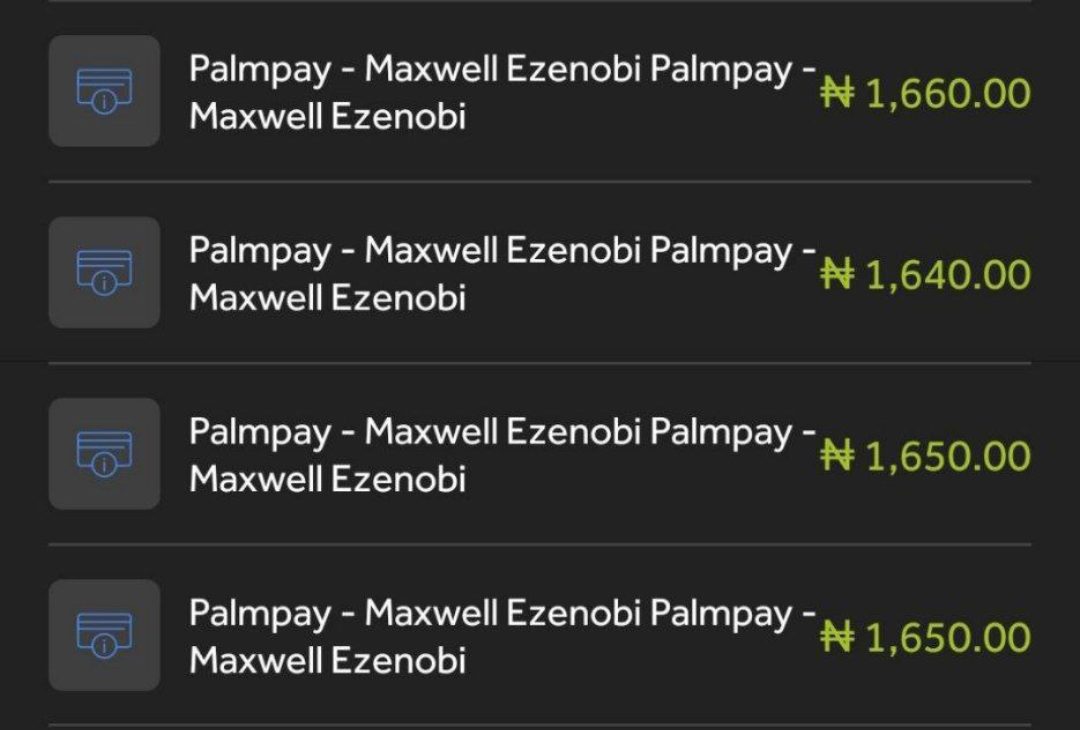
Wow I have done my own
It works?
Yes. I just reciv mine
After I tap 'check email' it just loads and stops, what to do next?
Go to your mail and verify
just got mine few hours ago.
Congrats
I can't upload anymore on flashout
Reward has been discontinued